How to sync your Xcel Energy data with Youtilitics
If you are an Xcel Energy customer, you don’t need to manually download CSVs to understand your energy bill. Youtilitics is an authorized third-party provider that securely syncs directly with your Xcel Energy account using the Green Button Connect standard.
By syncing your account, Youtilitics automatically analyzes your interval usage data to detect abnormal consumption, forecast bill spikes, and alert you before your next statement arrives.
Why use Green Button Connect?
Green Button is an industry-standard protocol that allows you to securely share your utility usage data with apps you trust without sharing your Xcel login credentials. When you sync via Youtilitics, you get:
- Automatic bill-shock alerts: Know when your consumption deviates from your typical pattern.
- Appliance impact analysis: See how heat waves or specific events impact your daily usage.
- Long-term insights: We maintain your history so you can track improvements over time, even if Xcel’s own portal limits the view.
How to sync your account in 3 steps
Syncing your Xcel account with Youtilitics takes less than two minutes.
- Start your sync: In your Youtilitics dashboard, select “Add Utility” and choose Xcel Energy. You will be redirected to the secure Xcel login page.
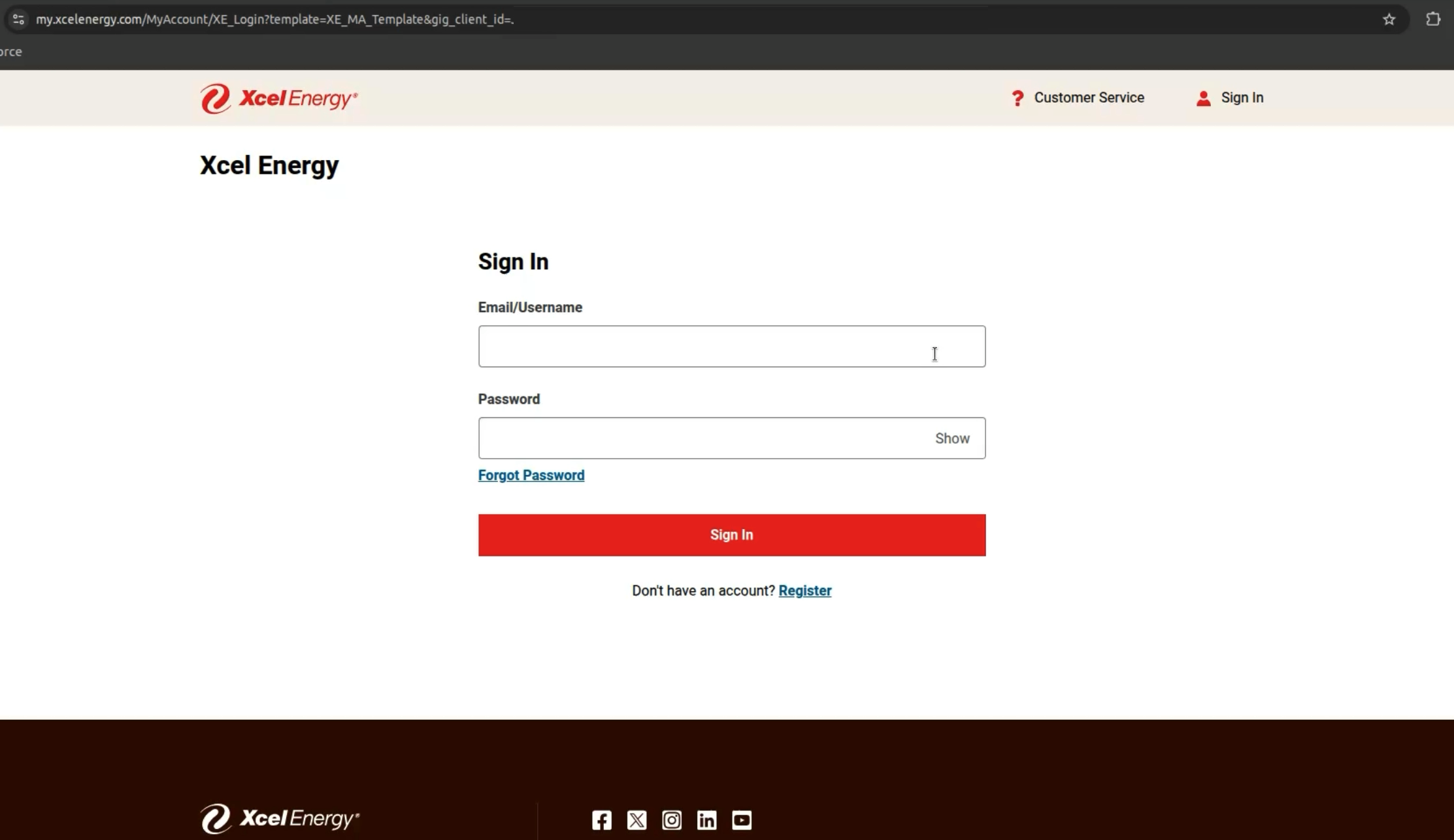
- Authorize access: Log in to your Xcel Energy account as you normally would. You will be prompted to authorize Youtilitics to access your Green Button data.
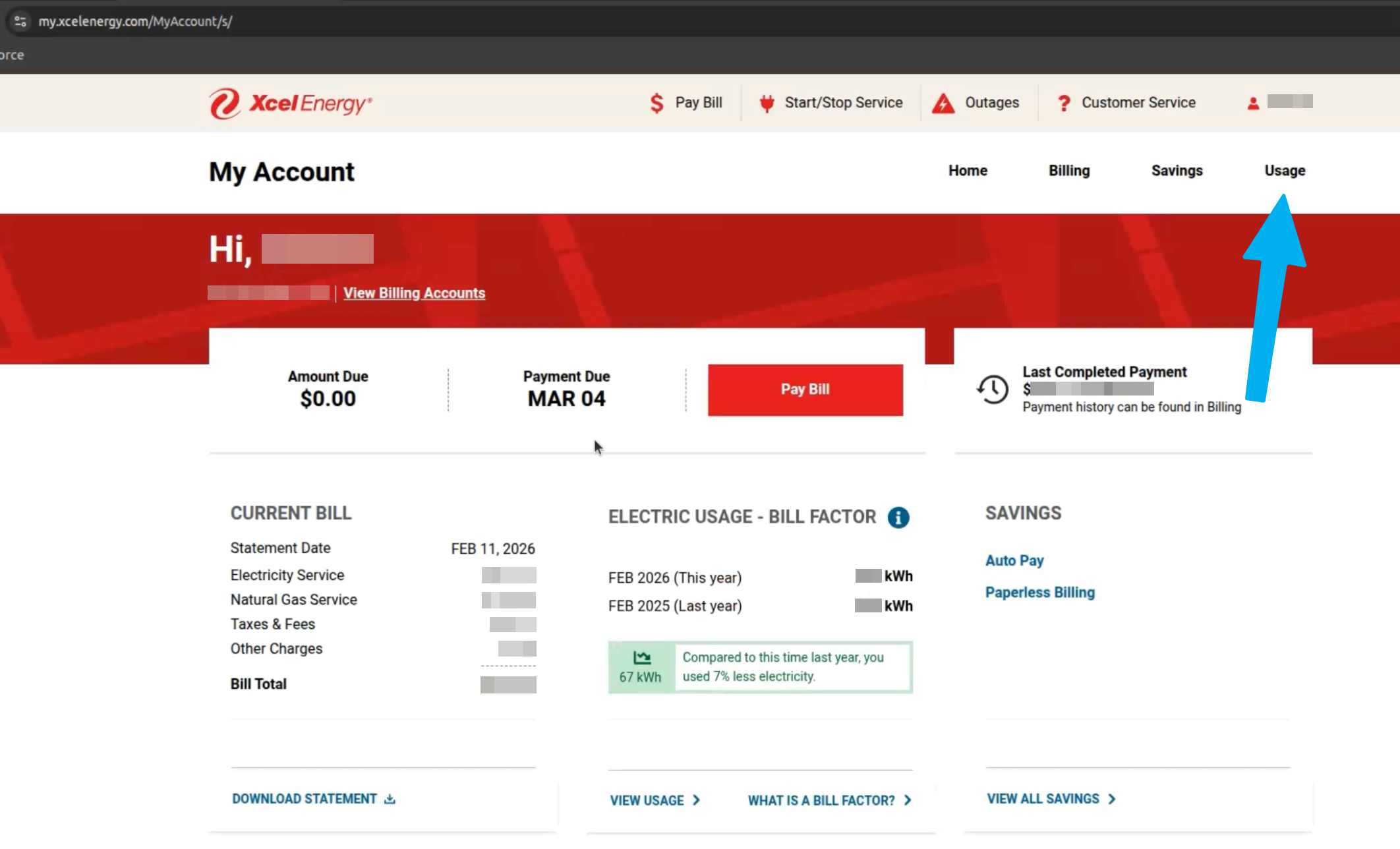
- Confirm and finish: Once authorized, you will be returned to Youtilitics, where we will immediately begin importing your historical interval data.
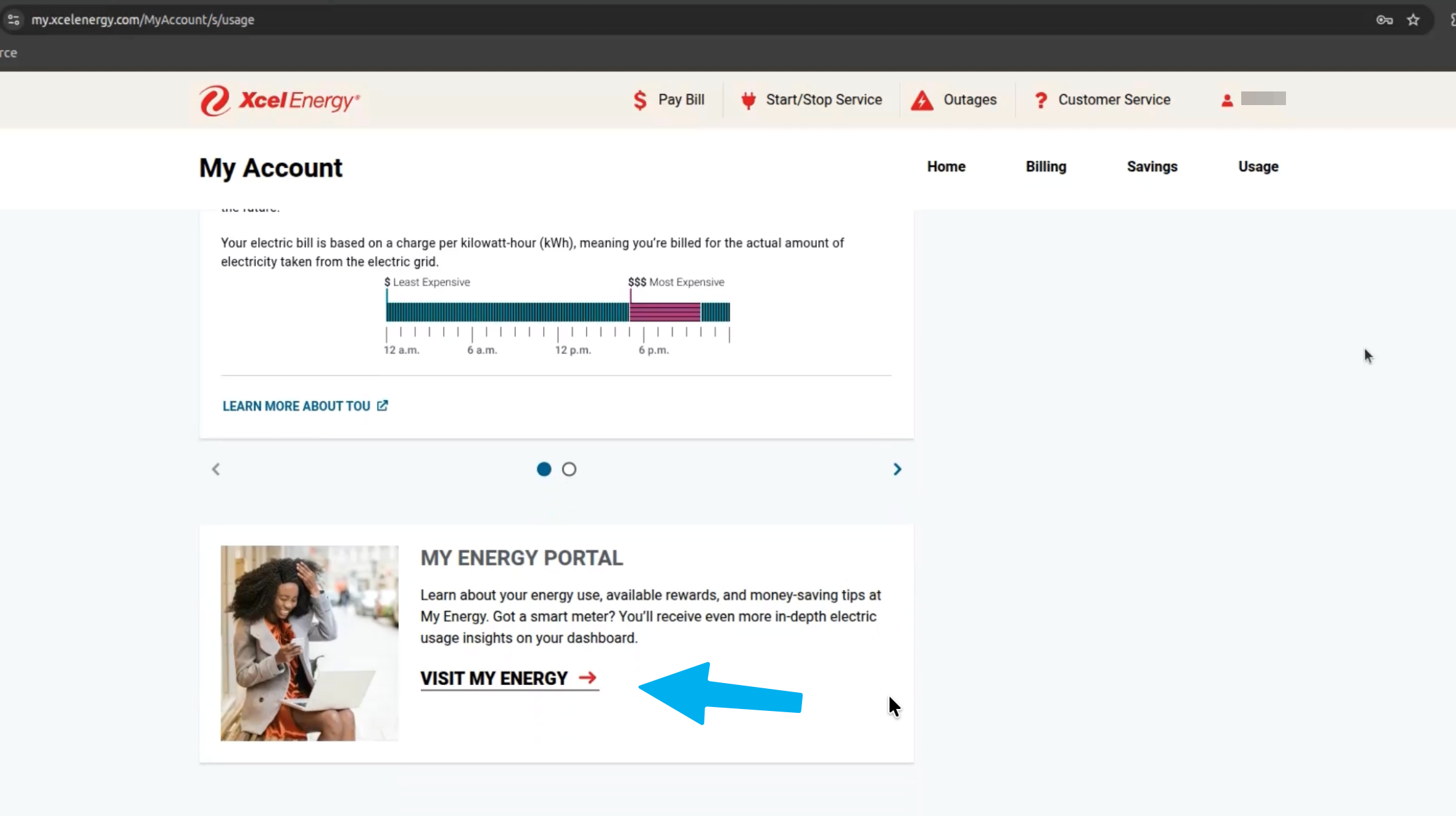
Note: If you have multiple meters or properties, ensure you select the appropriate accounts during the authorization flow.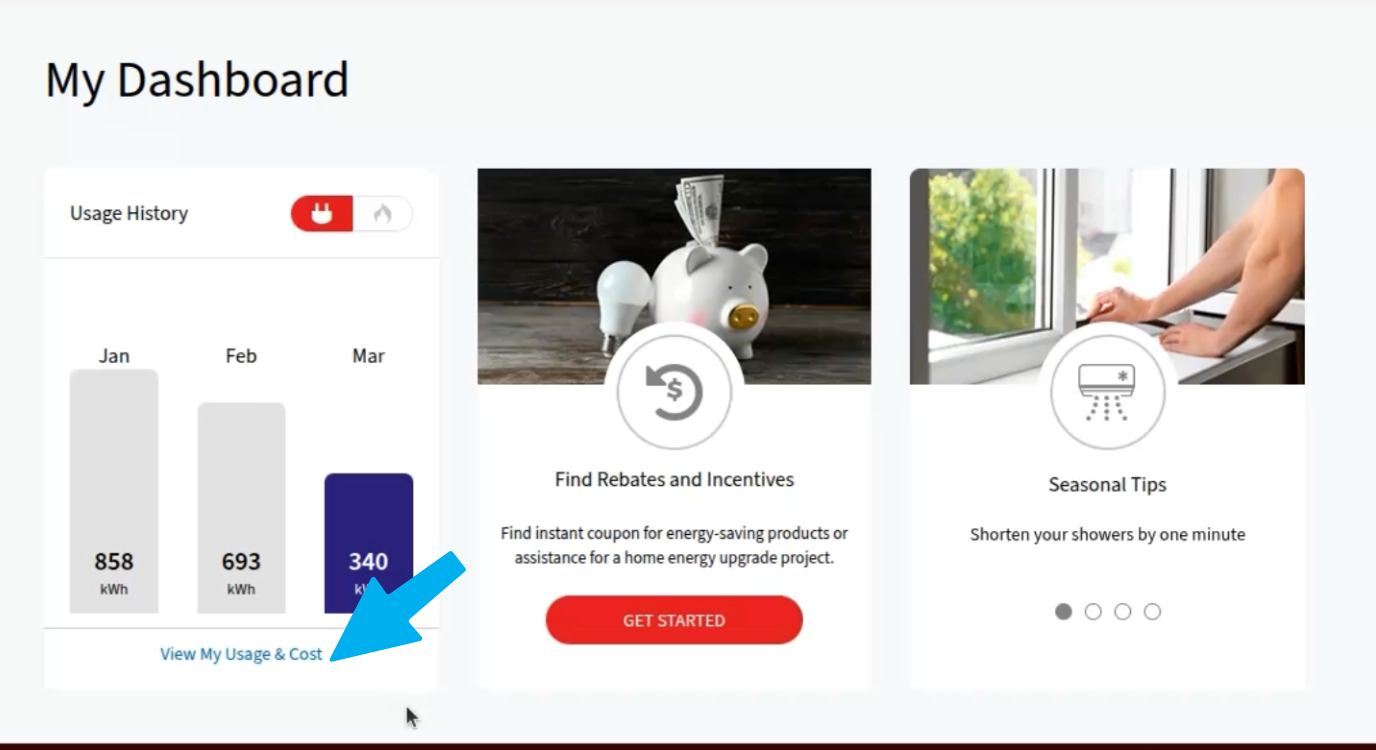
What you can do once synced
Once your data is flowing, Youtilitics transforms raw usage into actionable intelligence:
- Abnormal Usage Detection: We calculate your “normal” behavior. If your usage spikes overnight or during a mild day, we will send you an alert.
- Load Shape Visualization: See your base load (always-on usage) compared to peak usage, helping you decide if you need hardware (like an Emporia Vue) to find “ghost” power consumers.
- Heat-Wave Autopsy: After a brutal week of summer or winter, check your Youtilitics dashboard to see exactly how many extra dollars the extreme weather added to your bill.
Green Button: Security you can trust
Data security is our top priority. By using the official Green Button Connect standard:
- We never store your Xcel login credentials.
- You are in control. You can revoke Youtilitics’ access to your data at any time directly through your Xcel Energy account portal.
- Industry Standard. Your data is handled according to North American Energy Standards Board (NAESB) guidelines.
Ready to see your energy patterns?
Stop guessing why your bill is high. Sync your Xcel Energy account with Youtilitics today and start getting the insights your utility portal won’t give you.
Start saving on your bill.
Get alerts when your energy usage looks abnormal — free trial, no card required.